

Count your way
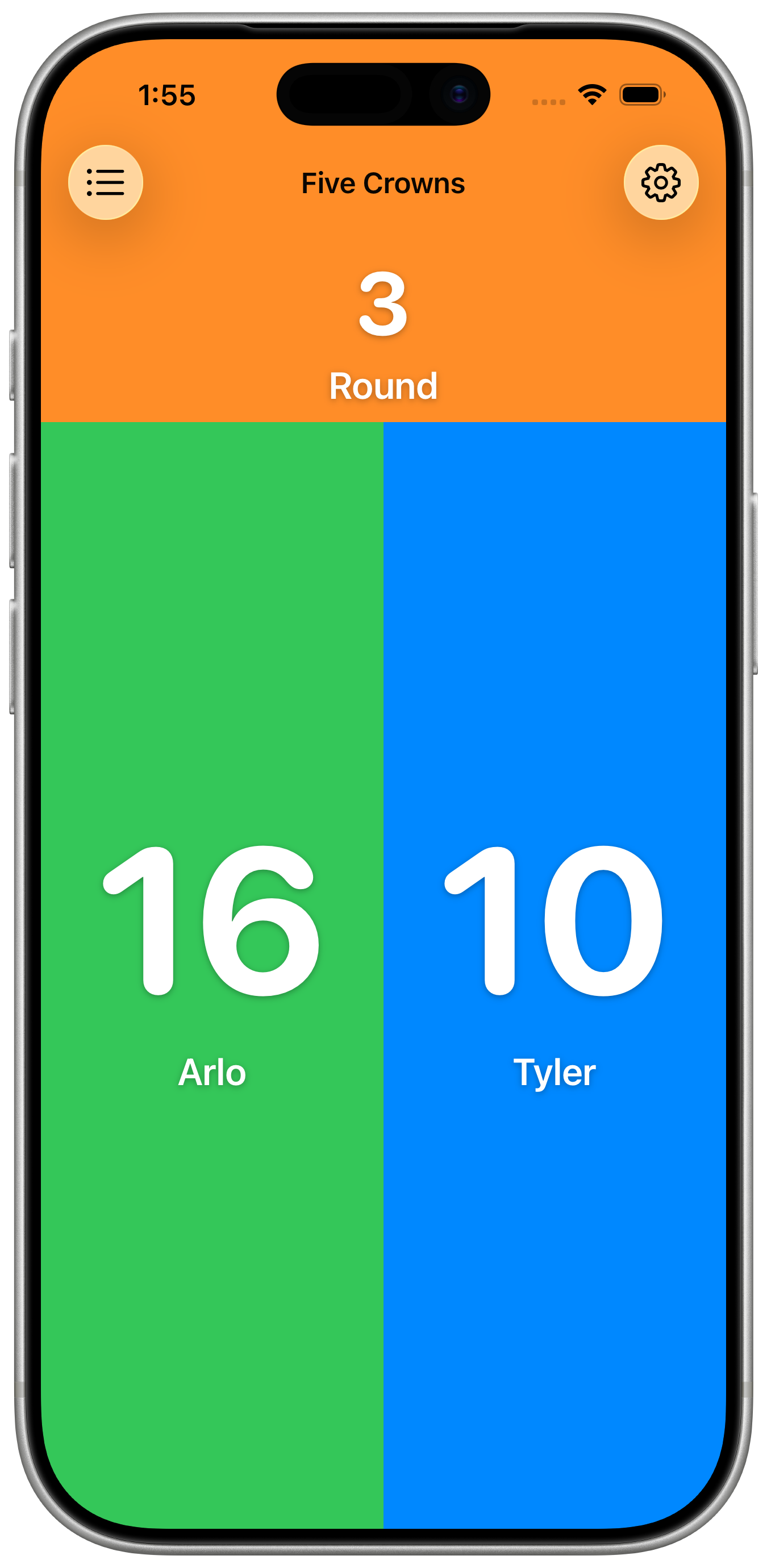
Tap to count up, count down, or enter an exact number. Set a starting value and a step from 1 to 100.
 KeepCount for iPhone & iPad
Fast, tactile scoreboard
KeepCount is a focused, local-first counter board. Easy-to-tap buttons, satisfying haptics, and swipeable boards keep you in the flow.
Designed for speed
Tap to count up, count down, or enter an exact number. Set a starting value and a step from 1 to 100.
Keep work, home, and game night separate. Swipe between 3 free boards, or unlock unlimited boards with Pro.
Add counters, resize with snapping guides, and set labels, colors, and steps.
Your boards and counts are saved on your device. Keep counting without an internet connection.
Press and hold a counter, slide to add, subtract, reset, or enter a number, then lift your finger.
Use undo and redo to recover from count changes, resets, and layout edits in the app.
Add an interactive board widget, or a counter control in Control Center or on the Lock Screen. Use the Action Button on supported iPhones.
Use Siri to add to a counter, check its value, or reset it. Build counting into your own Shortcuts workflows.
How it works
KeepCount is built around a clean layout, so you can count without hunting for tiny controls. Swipe between boards for separate contexts, then toggle edit mode to add or resize counters and set increment steps.
Choose whether a tap adds, subtracts, or opens a number keypad. Haptic feedback confirms your taps.
Keep different tallies separated with fast horizontal navigation.
Resize counters, apply colors, and set increment steps per counter.
Full-screen UI with rotation support keeps attention on the counts that matter.
Haptic taps provide instant confirmation without breaking your rhythm.
Labels, colors, and step sizes keep tallies clear at a glance.
Use cases


Go further
Start with 3 free boards. Upgrade for unlimited boards, full activity history, and an ad-free interface.
Create as many counting boards as you need. Track scores for multiple games, separate boards for work and personal use, or organize by project.
Review count changes, resets, label and color edits, and counter additions or removals. Rapid taps may be grouped into one history entry.
Remove all promotional banners for a clean, distraction-free counting experience. Just you and your counters.
New in KeepCount 1.6
Use the app, widgets, and shortcuts in English, French, German, Italian, or Japanese.
Use VoiceOver actions to add, subtract, reset, or enter a number. Counter animations respect Reduce Motion.
New counting tips explain the gestures. Help & About brings guidance, feedback, and purchase controls together.
Ready to count faster?
Download KeepCount free with 3 boards, widgets, and shortcuts. Upgrade to Pro for unlimited boards, full history, and no ads.
FAQ
Counting works offline, and your boards and counts are stored on your device. Purchases, restoring Pro, and opening support links need an internet connection.
Yes. Choose Count Up, Count Down, or Enter Number. Set a starting value, a step from 1 to 100, a label, and a preset or custom hex color. Resize counters to fit your board.
Swipe horizontally to move between boards. You can also duplicate boards with options to copy layout only, layout and labels, or everything including counts.
KeepCount runs on iPhone with iOS 18.2+ and iPad with iPadOS 18.2 or later. The layout supports device rotation. Action Button controls require an iPhone with an Action Button.
Free includes 3 boards, counter customization, undo and redo, widgets, and shortcuts. Pro adds unlimited boards, full activity history, and removes promotional banners. Pro subscribers can choose to turn ads back on to support KeepCount.
The app, widgets, and shortcuts are available in English, French, German, Italian, and Japanese.
Open Help & About in the app for counting tips, gesture guidance, purchase and restore controls, or feedback. You can also contact support here.
Your boards, counter labels, values, and activity history are stored locally. The app also uses services for purchases, ads, anonymous usage analytics, and crash diagnostics. Our privacy policy explains what those services receive.